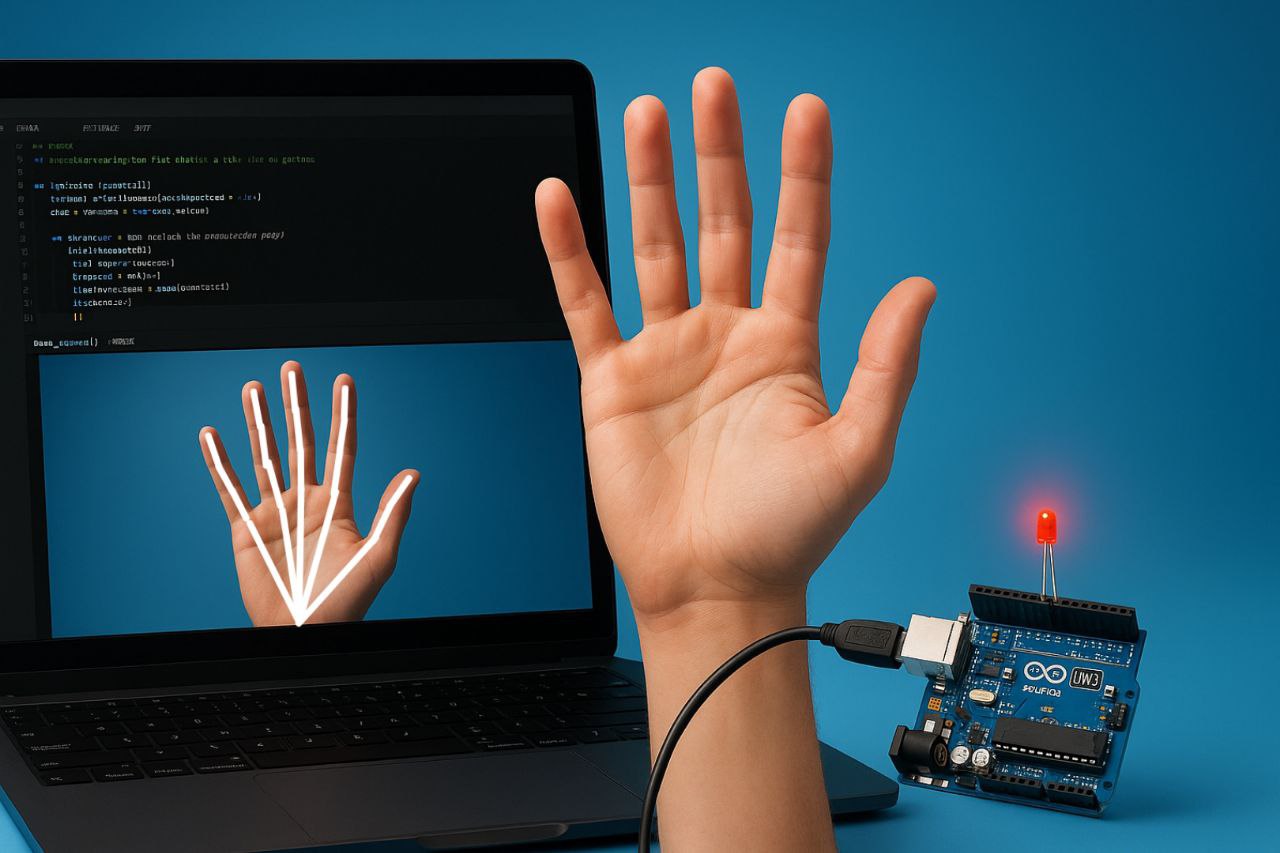
Arduino Project: Hand Gesture Based Light Control with Mediapipe & OpenCV in Python
Code for Arduino Uno
int ledPins[] = {8, 9, 10, 11, 12};  // Thumb, Index, Middle, Ring, Pinky

void setup() {
  Serial.begin(9600);
  for (int i = 0; i < 5; i++) {
    pinMode(ledPins[i], OUTPUT);
  }
}

void loop() {
  if (Serial.available() >= 5) {      // Expect 5 bytes for 5 fingers
    for (int i = 0; i < 5; i++) {
      int fingerState = Serial.read();    // Read each finger state (0 or 1)
      digitalWrite(ledPins[i], fingerState == 1 ? HIGH : LOW);  // Turn LED on/off
    }
  }
}
Code for Python
import cv2
import mediapipe as mp
import serial
import time

# Initialize serial communication with Arduino
arduino = serial.Serial(port='COM14', baudrate=9600, timeout=1)
time.sleep(2)  # Wait for the serial connection to initialize

# Initialize Mediapipe
mp_hands = mp.solutions.hands
hands = mp_hands.Hands()
mp_drawing = mp.solutions.drawing_utils

# Function to detect individual fingers (1 for up, 0 for down)
def detect_fingers(image, hand_landmarks):
    finger_tips = [8, 12, 16, 20]   # Index, Middle, Ring, Pinky
    thumb_tip = 4
    finger_states = [0, 0, 0, 0, 0] # Thumb, Index, Middle, Ring, Pinky

    # Check thumb
    if hand_landmarks.landmark[thumb_tip].x < hand_landmarks.landmark[thumb_tip - 1].x:
        finger_states[0] = 1  # Thumb is up

    # Check the other fingers
    for idx, tip in enumerate(finger_tips):
        if hand_landmarks.landmark[tip].y < hand_landmarks.landmark[tip - 2].y:
            finger_states[idx + 1] = 1  # Other fingers are up

    return finger_states

# Start capturing video
cap = cv2.VideoCapture(0)

while cap.isOpened():
    success, image = cap.read()
    if not success:
        break

    image = cv2.cvtColor(cv2.flip(image, 1), cv2.COLOR_BGR2RGB)
    results = hands.process(image)
    image = cv2.cvtColor(image, cv2.COLOR_RGB2BGR)

    if results.multi_hand_landmarks:
        for hand_landmarks in results.multi_hand_landmarks:
            mp_drawing.draw_landmarks(image, hand_landmarks, mp_hands.HAND_CONNECTIONS)
            finger_states = detect_fingers(image, hand_landmarks)
            arduino.write(bytes(finger_states))  # Send list of fingers as bytes
            print(f"Fingers State: {finger_states}")

    cv2.imshow('Hand Tracking', image)
    if cv2.waitKey(5) & 0xFF == 27:
        break

cap.release()
cv2.destroyAllWindows()
arduino.close()